
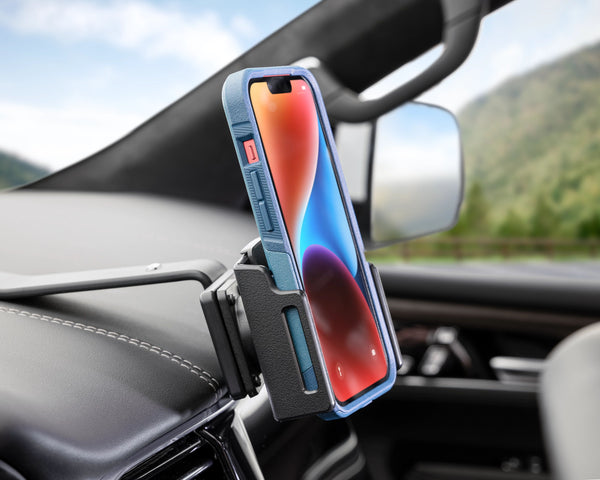
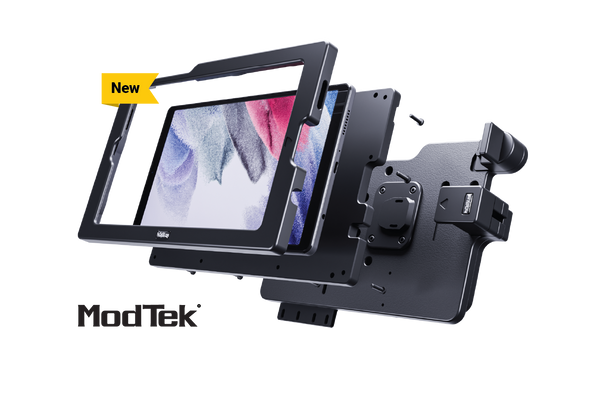
Custom-fit mounts for the exact year, make and model of your car.


Build Your Phone Mount
Phone not listed? Shop our Universal Holders
It's time to ditch your flimsy vent mounts and suction cup phone mounts. You deserve better. Make the upgrade to a phone mount that's built for you and your car.
No more rattling.
Snaps tightly into your car dashboard.
It’s rock solid.
Perfect placement.
Always in reach and no more obstructed views. Safer driving.
Why ProClip
Easy to install
It just takes a couple minutes. It's the easiest DIY project ever.
Effortless mounting
Easy one-handed docking. No more fumbling around.
Dock it. Charge it.
YOUR PHONE,
MOUNTED
YOUR WAY.
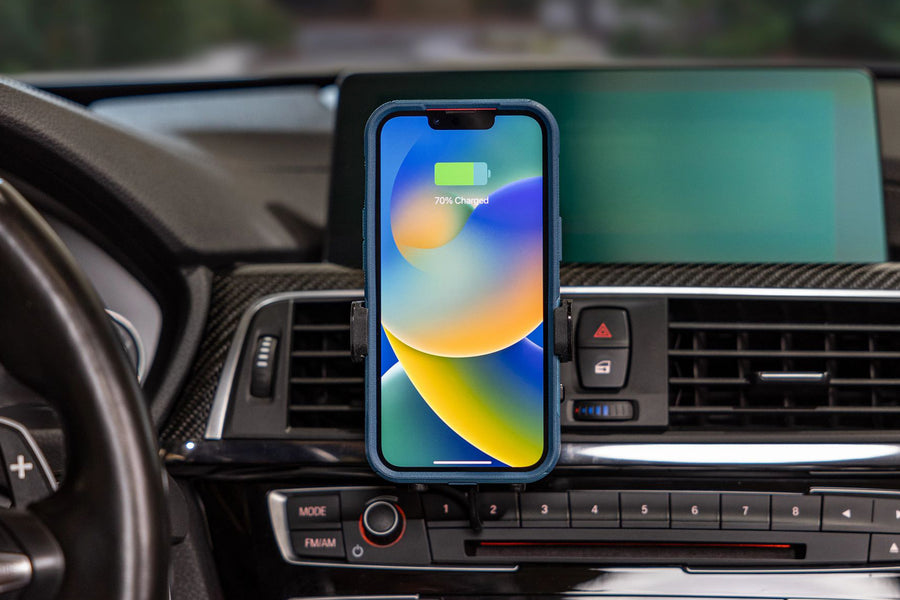
Wireless Charging Holders
Stop worrying about charging cables. Keep your phone fully charged when you’re on the go with a fast wireless charging holder. View Wireless Holders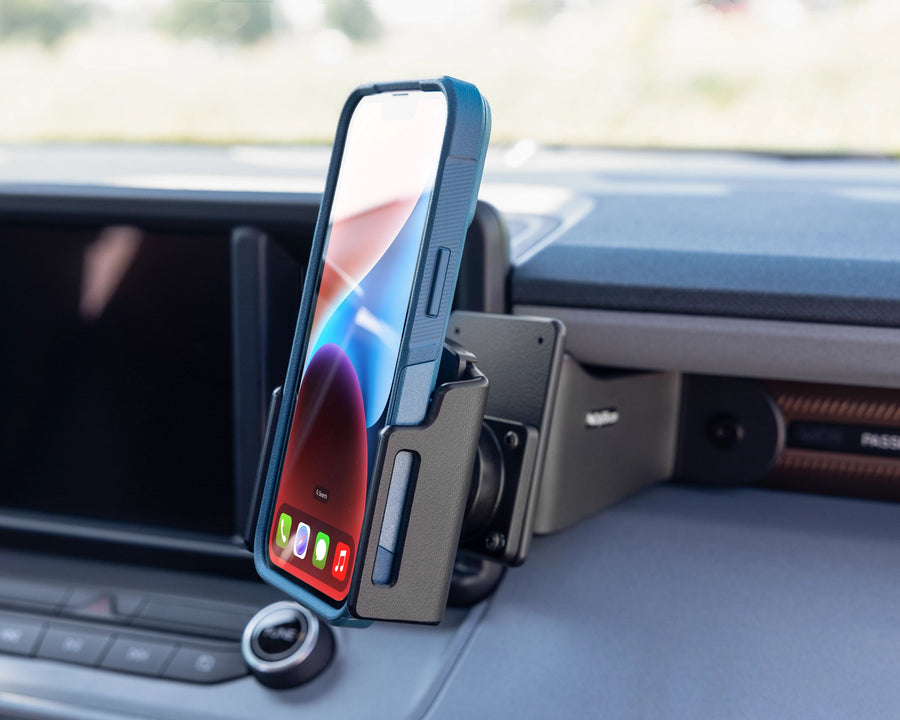
iPhone Holders
Mounting your iPhone has never been easier. We offer the best iPhone car mounts for every iPhone on the market. View iPhone Holders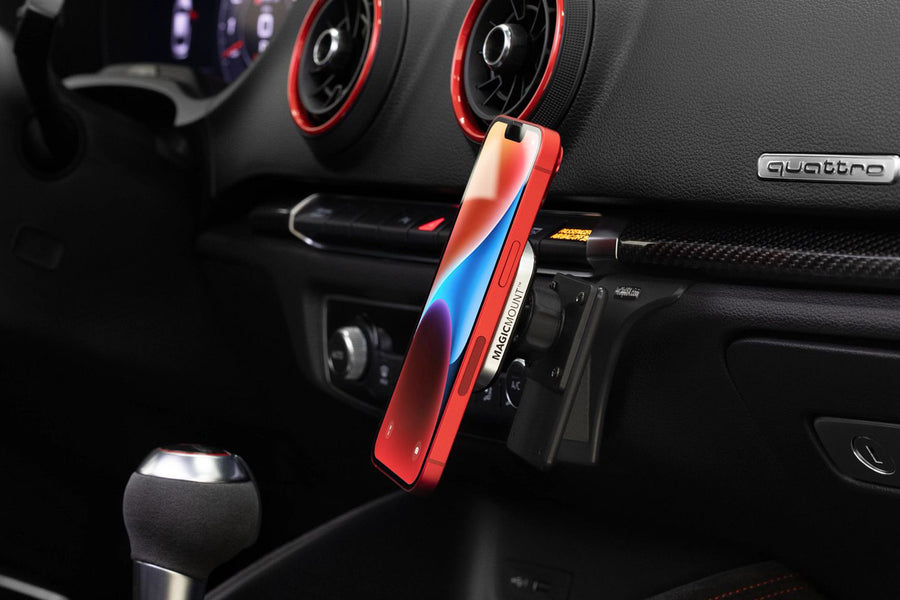
Magnetic Phone Holders
Attach a magnetic phone holder to an exact-fit mounting base for the most powerful magnetic phone mount in your car. View Magnetic Holders
It's worth
every penny.
- Frank M.

Made with the same materials as your vehicle.
Our mounts are built to last because they’re made from the same high-quality ABS plastics as your dashboard.
Precision designed and hand inspected.
Unlike cheap, injection molded phone mounts, our mounts are machine-tooled to fit your car perfectly.
Easily upgrade when you switch your car or phone.
Our two-part system allows you to easily upgrade either the base or the holder when you get a new phone or a new car.ProClip Mounts
CUSTOM FIT.
RATTLE-FREE.
BUILT TO LAST.
Your phone and your car deserve better than one-size-fits-all mounts out of a big box store. There's a better, more solid way to mount your cell phone, that's custom-designed just for you.
Build Your Phone Mount
Car Mounting Base
Our exact-fit mounting bases are custom-made for most car and truck models. The mounts easily snap into the seams of the dashboard for a rock-solid, secure fit—no more rattles, no obstructed view.
Phone Holder
Our holders are designed specifically for your phone, GPS, or other mobile devices. Our car phone holder accommodates phones with or without cases and allows for both wireless and wired charging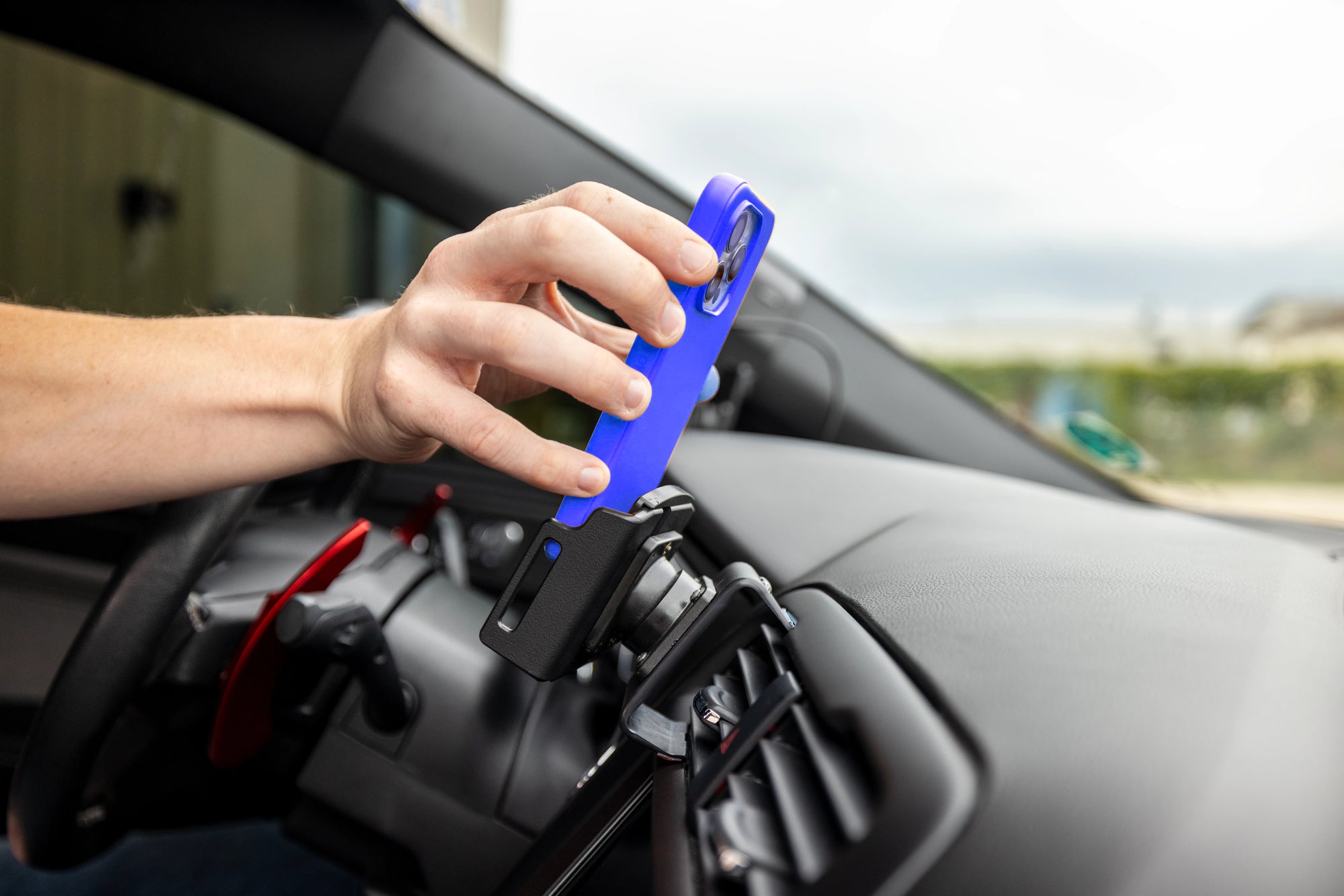
Precision
Designed
Easily dock your phone into one of our phone holders, designed to fit most popular phones.
Custom
for your car
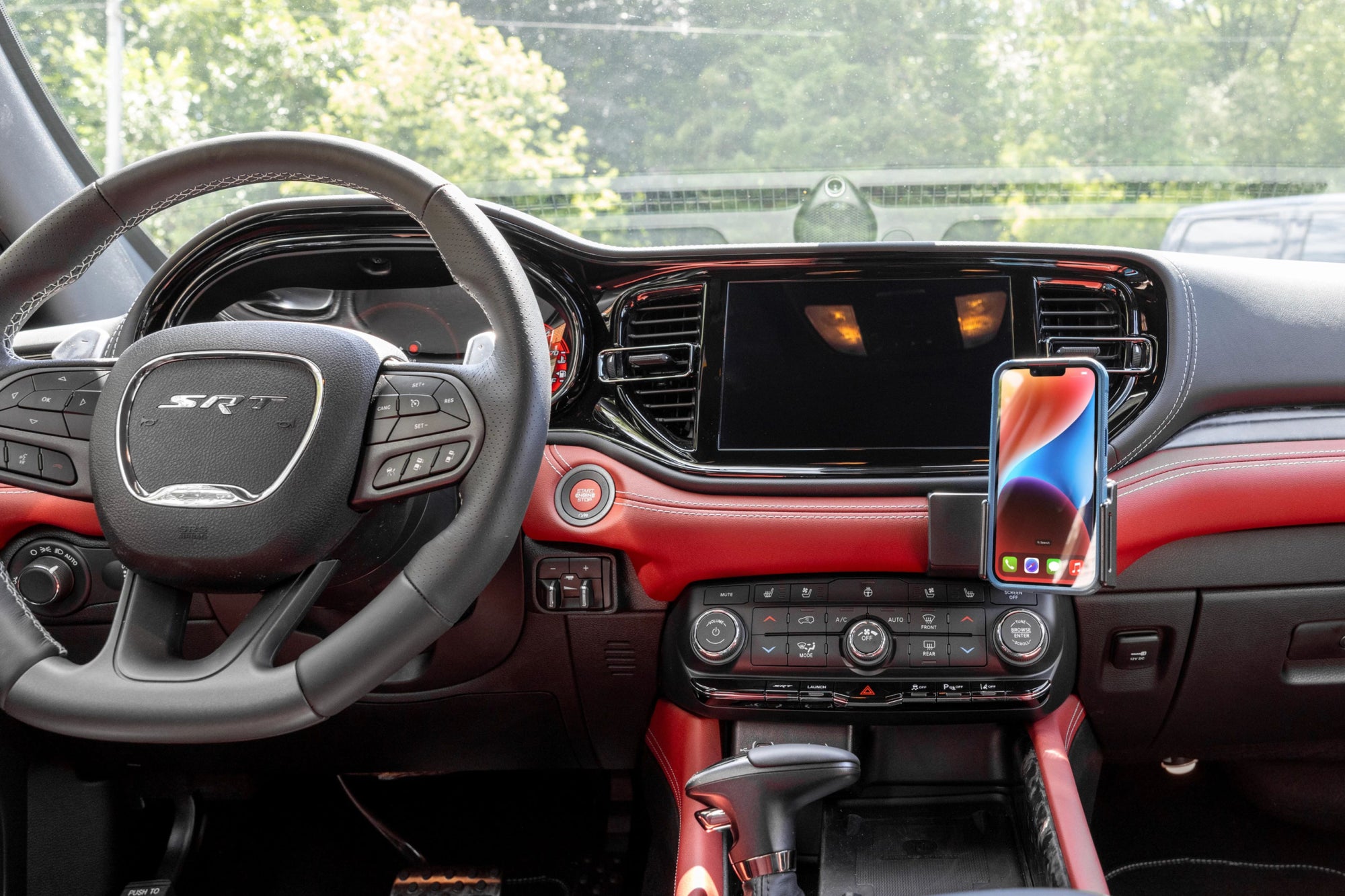
Our dashboard mounting bases are designed for the exact make, model and year of your car.

Solid
and secure
Unlike generic vent mounts and cheap suction cup phone mounts, ProClip mounts are rock-solid—no wobbles and no phone drops.
Perfect
Fit
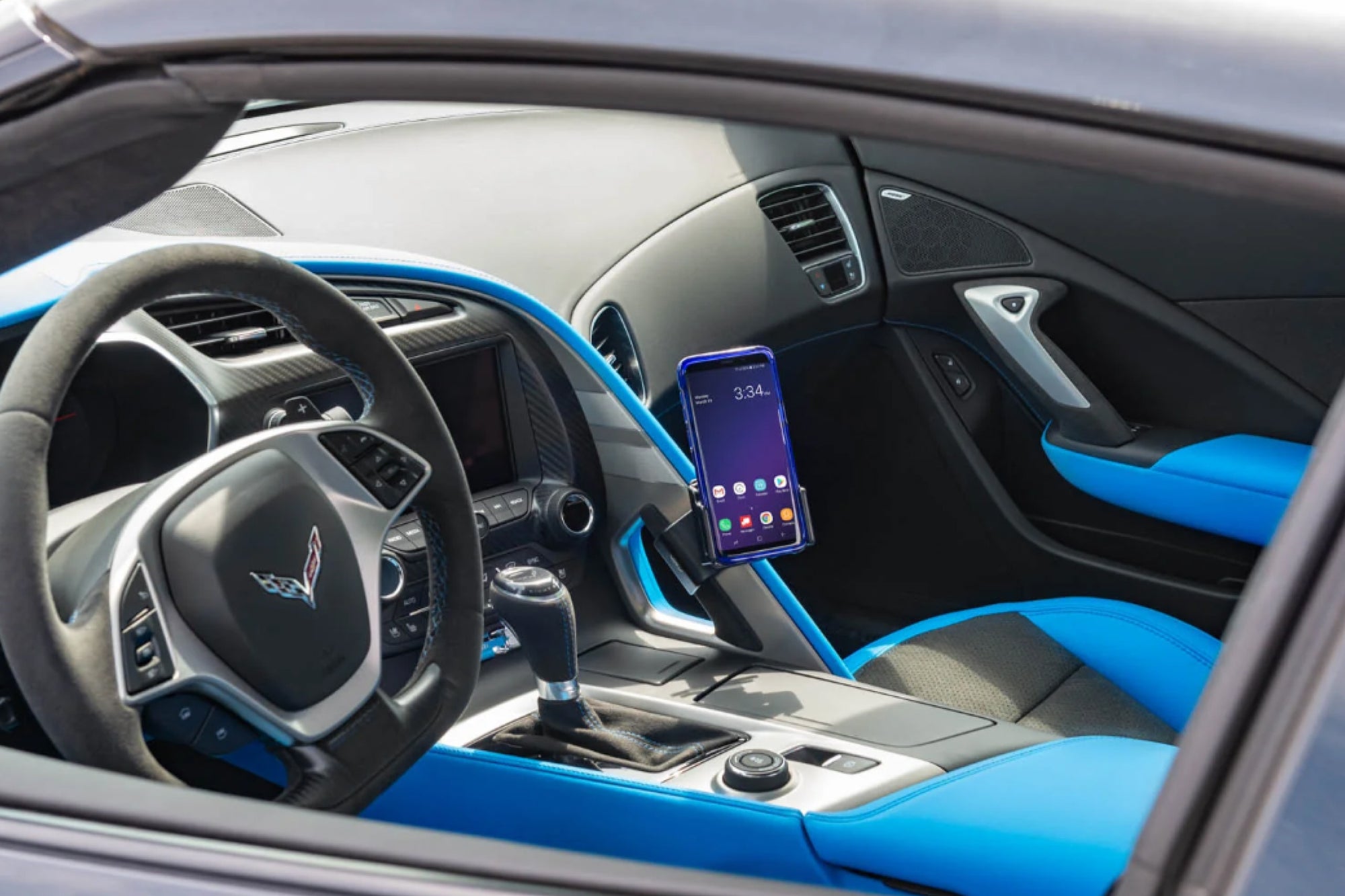
With a sleek design and a custom fit, your ProClip mount will look great installed in your car—almost like it was installed right off the assembly line.

Eliminates
Distractions
Our dash mounts keep your phone secure and your windshield free of clutter, giving your a better view of the road in front of you.
A BETTER
PHONE MOUNT
STARTS HERE.